Editor (Neovim)
The stow/common/nvim/ package provides a kickstart.nvim-based
Neovim configuration, themed Catppuccin Macchiato (blue accent #8aadf4) to match the rest of the
terminal. It's meant to replace plain vim for quick local edits and server maintenance, while still
being a full, learnable setup.
Curated from stow/common/nvim/README.md. There is no separate setup guide for this package yet.
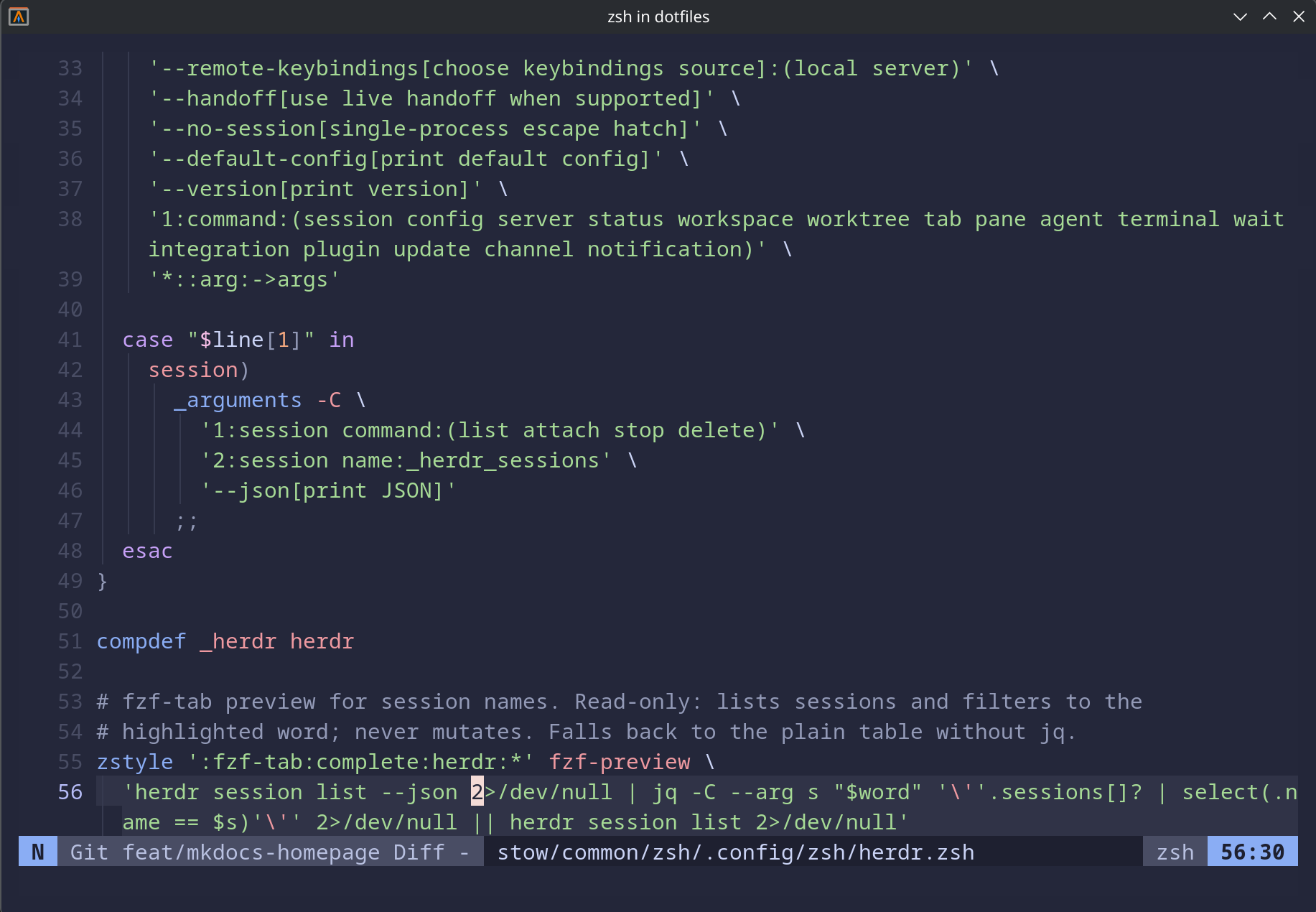 Neovim editing inside the dotfiles repository.
What it configures
- Stock kickstart
init.lua, kept close to upstream (LSP servers + treesitter languages edited). - Plugins managed by lazy.nvim, pinned via
lazy-lock.json. - Feature files under
lua/custom/plugins/: Catppuccin colorscheme, snacks picker, neo-tree file explorer, flash jump motions, indent guides, and filetype scoping.
Target path is ~/.config/nvim (XDG), identical on macOS, Arch, and Debian — only the system
dependencies differ per platform.
Dependencies
LSP servers are installed inside Neovim by Mason
(:Mason), but they need runtimes and a few CLI tools on the system first — neovim, ripgrep,
fd, node, python + pipx, a C compiler, and the tree-sitter CLI.
Print the install commands (nothing installs automatically):
task deps:brew    # macOS
task deps:arch    # Arch
tree-sitter CLI
nvim-treesitter builds parsers by shelling out to the tree-sitter binary. On macOS, Homebrew's
tree-sitter formula ships the library only, so install the CLI via npm install -g tree-sitter-cli.
Without it, parser builds fail with ENOENT ... (cmd): 'tree-sitter'. See the package README for
the full rationale.
Install
This package uses --no-folding so ~/.config/nvim remains a real directory with per-file
symlinks:
stow --dir=stow/common --target="$HOME" --no-folding --simulate nvim
⚠️ MANUAL STEP — review dry-run output before running
stow --dir=stow/common --target="$HOME" --no-folding nvim