Screenshots
A look at the setup in use. The same images appear in context on the relevant feature and reference pages; this page collects them in one place.
Gallery
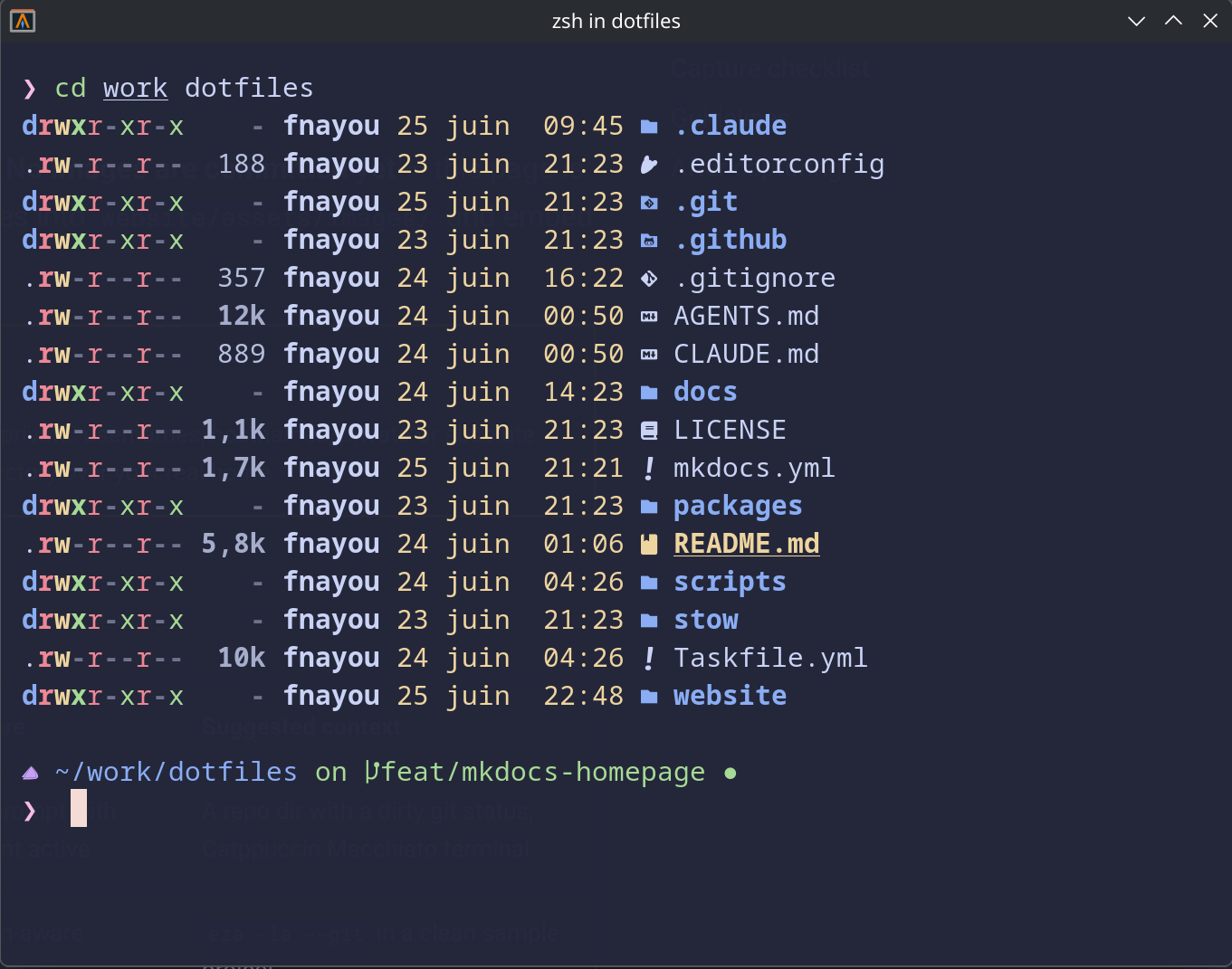 Shell prompt with Git context and Catppuccin Macchiato colors.
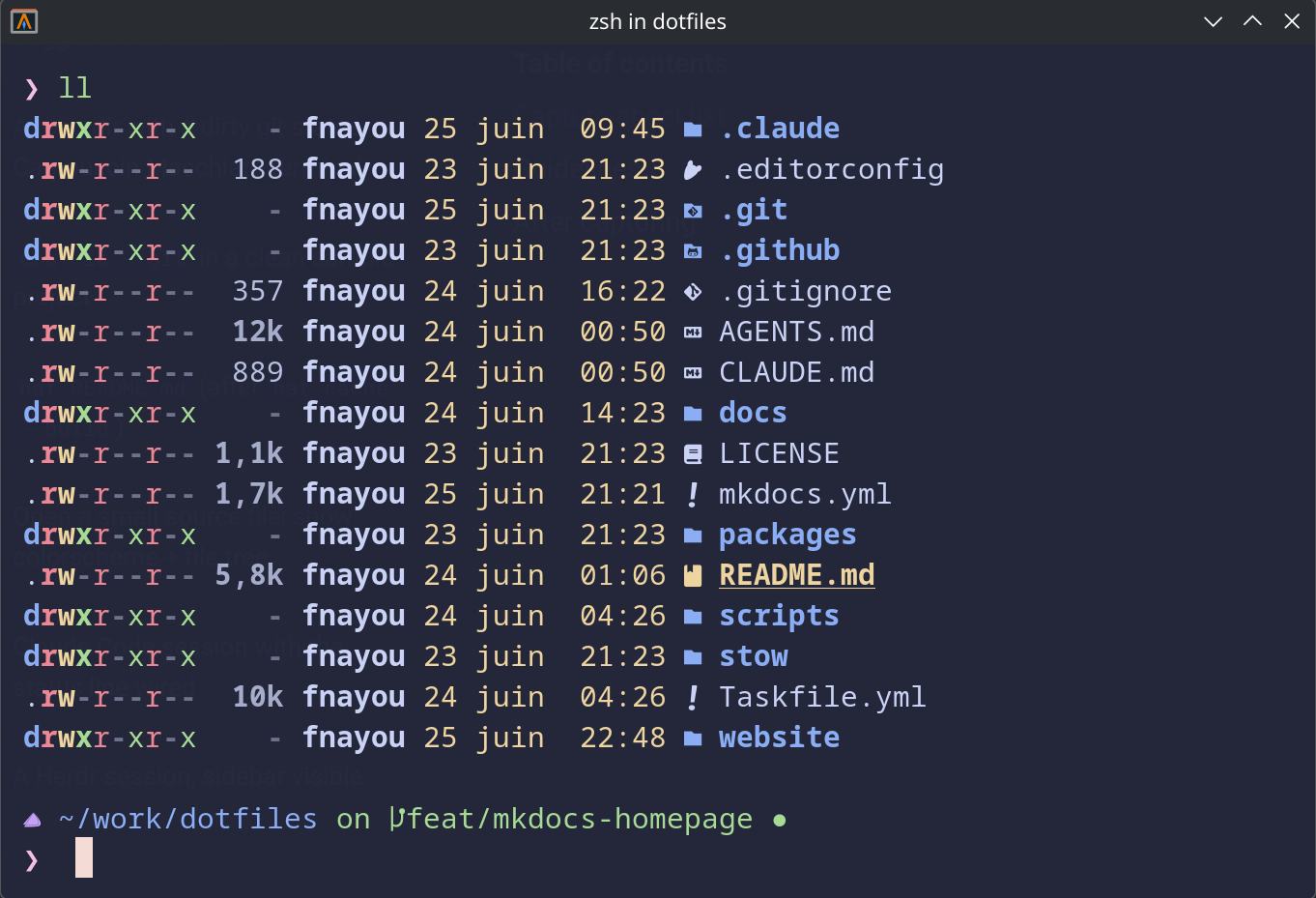 Icon-aware project listing powered by eza.
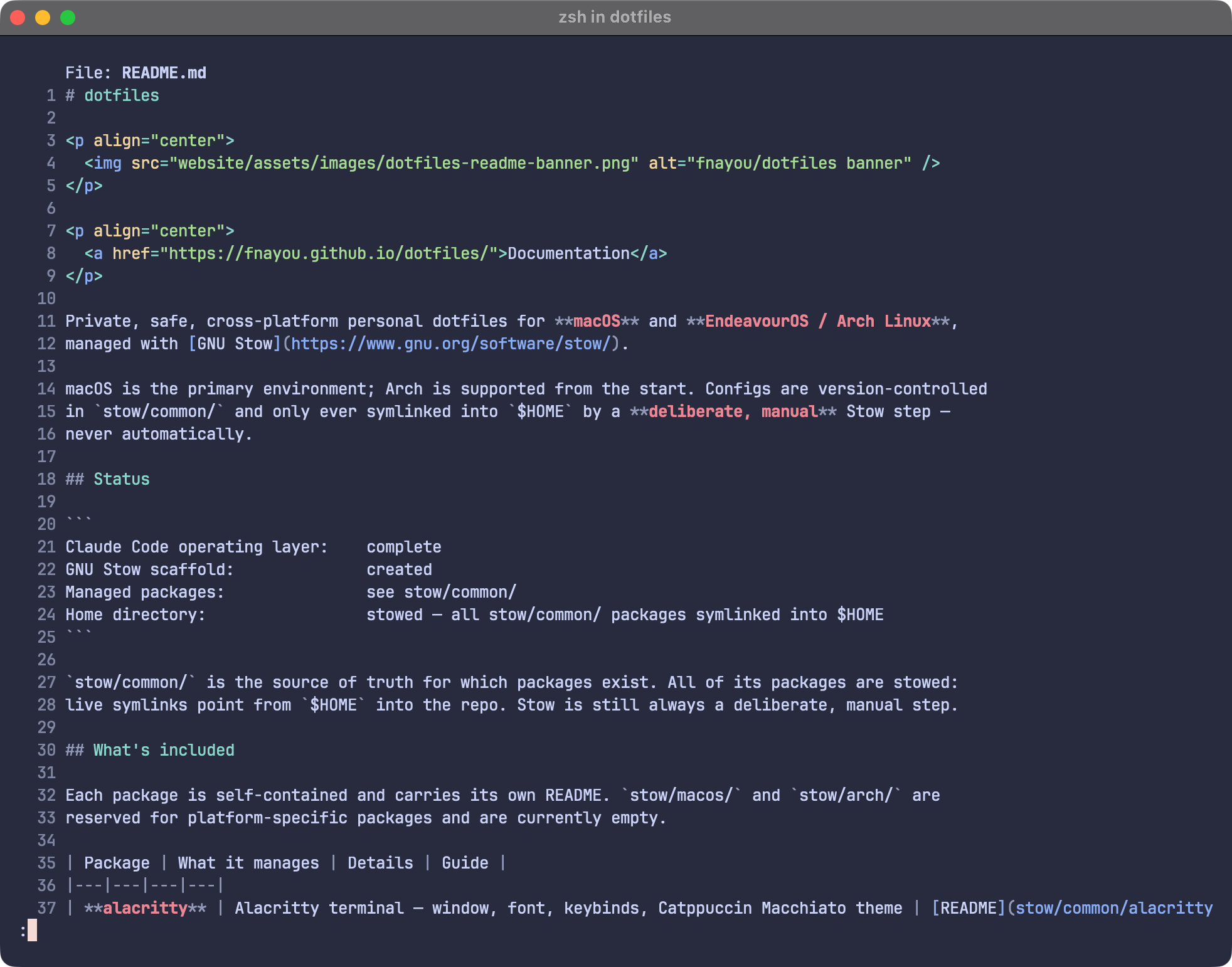 Syntax-highlighted file preview with bat.
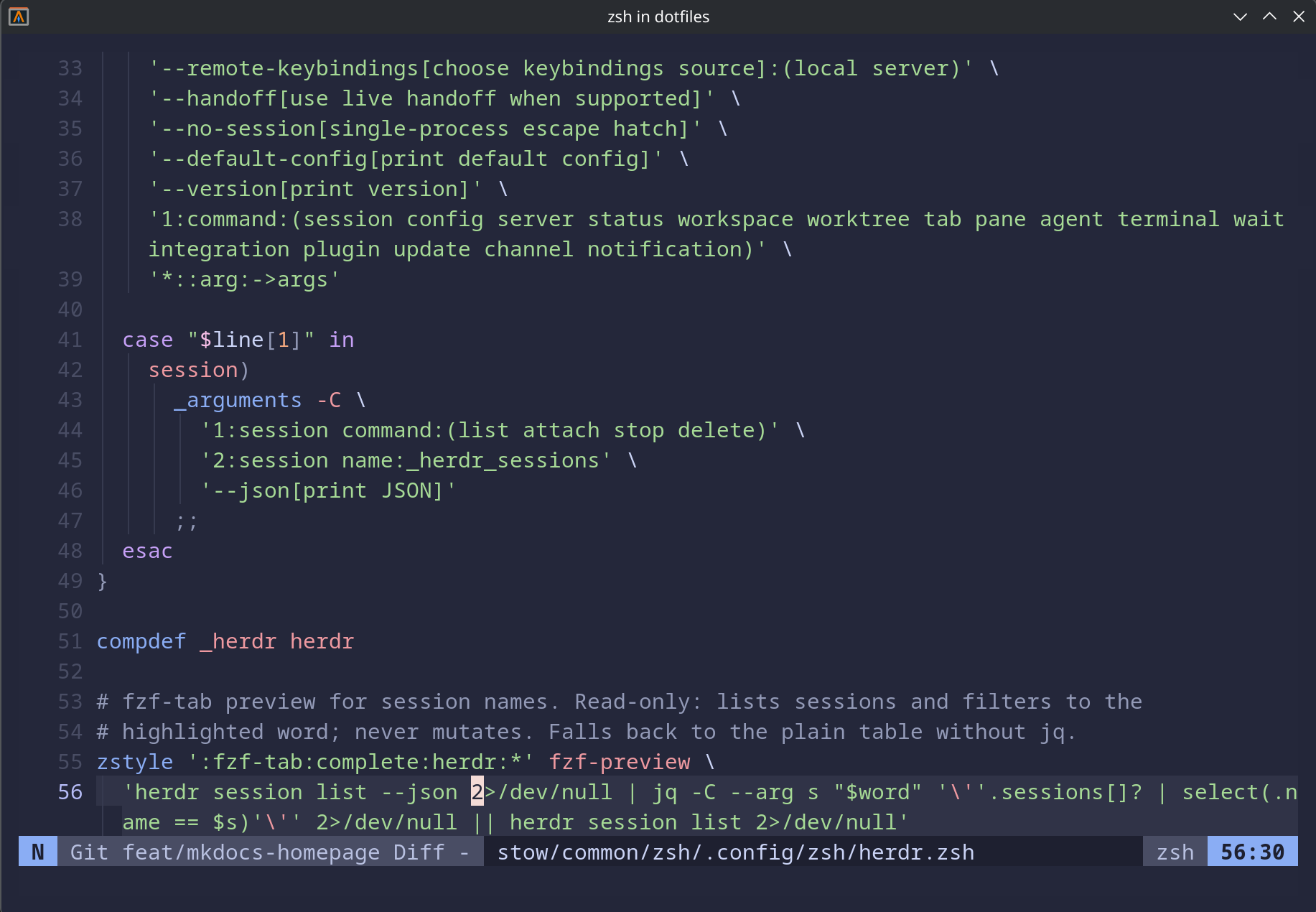 Neovim editing inside the dotfiles repository.
 Claude Code status line integrated into the terminal workflow.
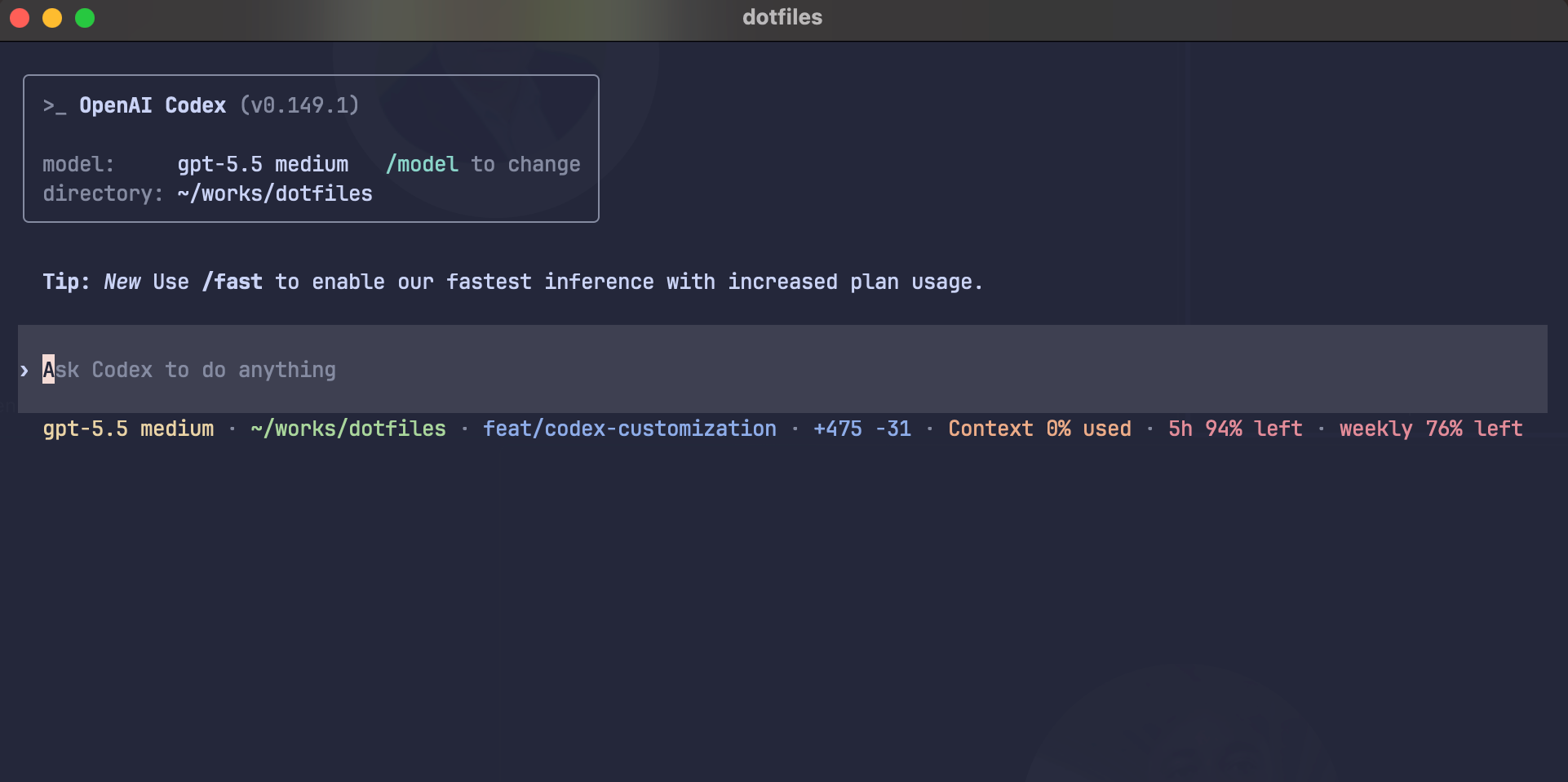 Codex CLI with the repo-owned blue syntax theme and built-in status line segments for model,
directory, Git, context, and usage limits.
Codex CLI with the repo-owned blue syntax theme and built-in status line segments for model,
directory, Git, context, and usage limits. rtk and caveman savings are intentionally not shown yet.
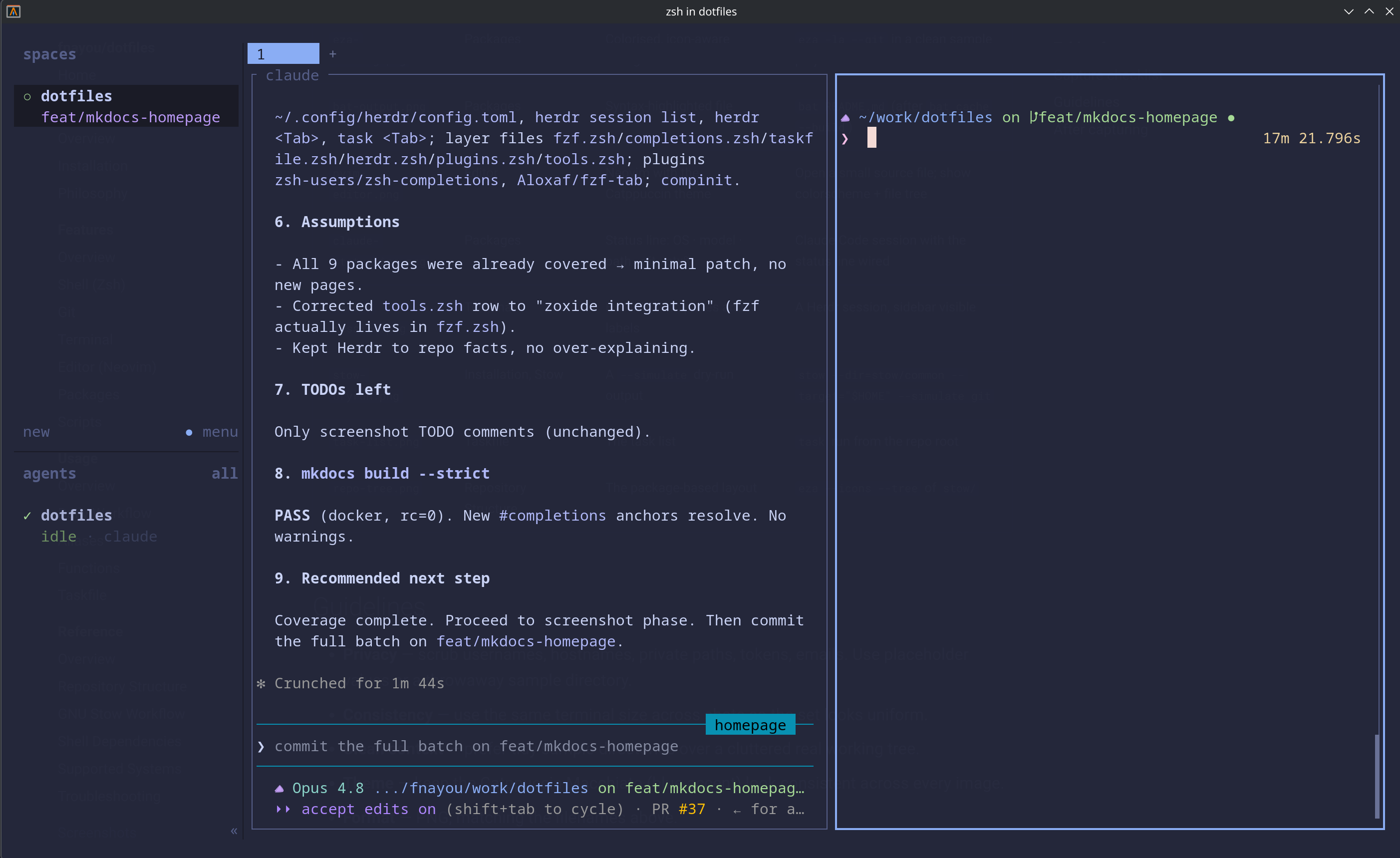 Herdr session layout for agent-oriented terminal work.
 GNU Stow simulation before applying a package.
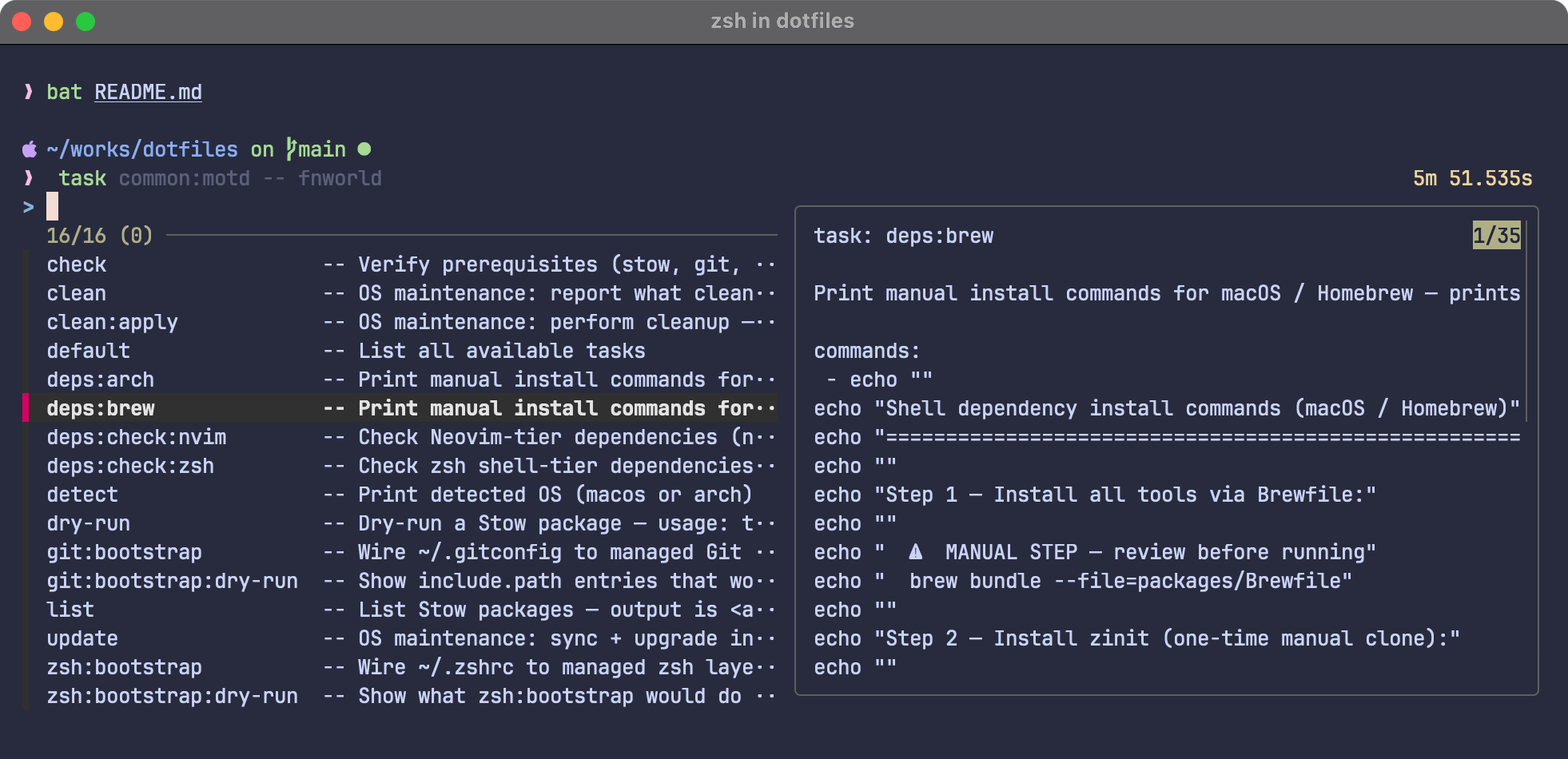 Taskfile entrypoint listing safe checks, dry-runs, and maintenance commands.
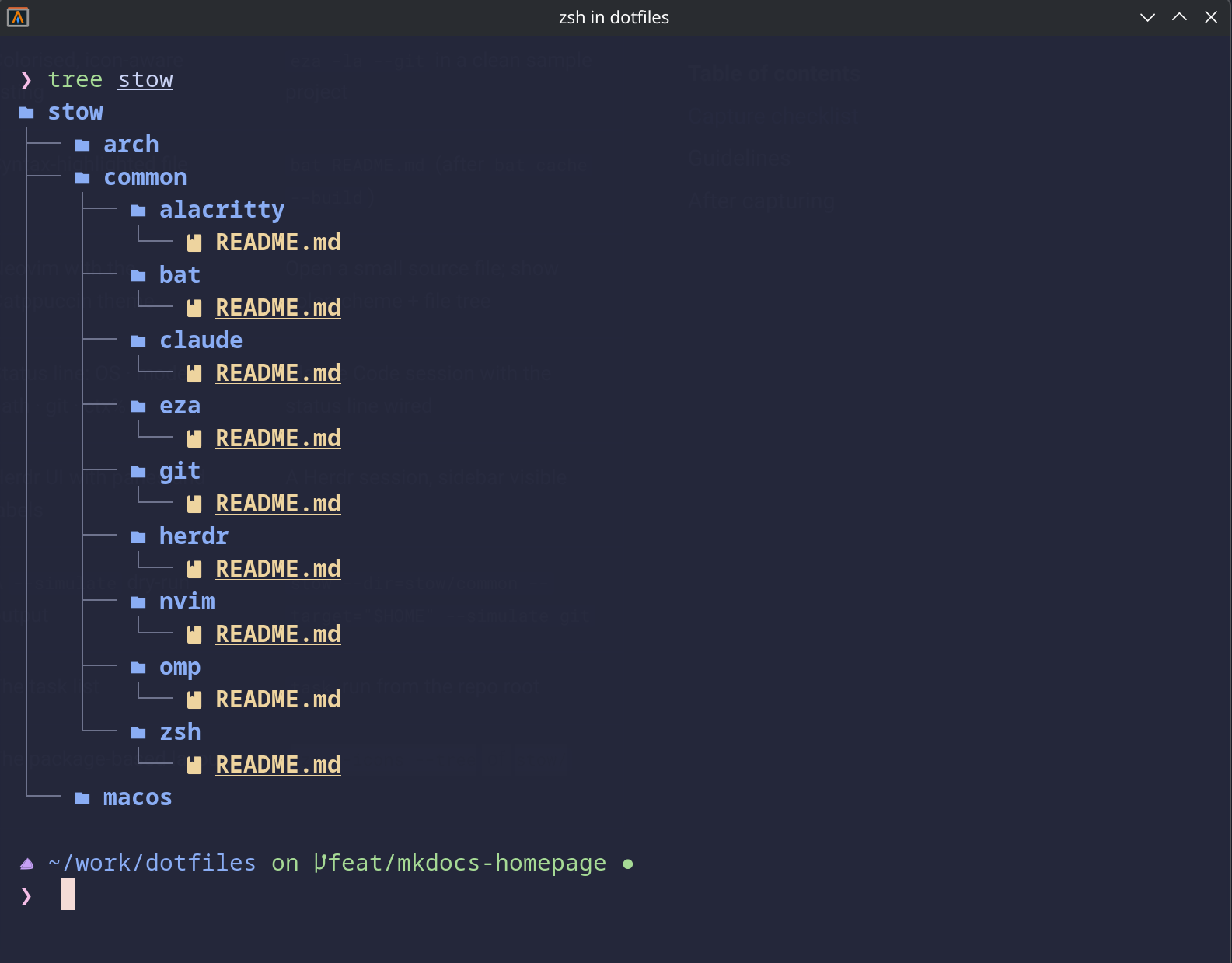 Package-based repository layout under stow/.