Terminal
Two packages shape the terminal: Alacritty (the emulator) and Herdr (an agent-oriented multiplexer). Both ship a Catppuccin Macchiato look with a blue accent, consistent with the rest of the setup.
Curated from docs/guides/alacritty-setup.md and docs/guides/herdr-setup.md.
Alacritty
The stow/common/alacritty/ package manages two files in ~/.config/alacritty/:
| File | Purpose |
|---|---|
alacritty.toml |
Window, font, keybindings, shell, theme import |
catppuccin-macchiato.toml |
Catppuccin Macchiato color theme |
Alacritty loads the config on startup — no activation step beyond stowing.
macOS-specific lines are harmless on Linux
option_as_alt = "Both" (and the commented-out decorations = "Buttonless") only affect macOS.
Alacritty ignores inapplicable values gracefully on Arch and Debian.
Shift+Enter inserts a newline
A keyboard.bindings entry maps Shift+Enter to a newline (\n), matching macOS behavior for
TUIs like Claude Code. macOS drops the modifier otherwise, so the binding makes it explicit; on
Arch / Debian the native keyboard protocol already passes it through.
Dry-run, then apply (requires --no-folding):
stow --dir=stow/common --target="$HOME" --no-folding --simulate alacritty
⚠️ MANUAL STEP — review dry-run output before running
stow --dir=stow/common --target="$HOME" --no-folding alacritty
Herdr
The stow/common/herdr/ package manages a single file, ~/.config/herdr/config.toml — Catppuccin
Macchiato blue UI tokens, terminal, UI, and toast settings. Herdr is an agent-oriented multiplexer; it loads
~/.config/herdr/config.toml automatically on startup, so there's no activation step beyond stowing.
The default shell is zsh and new panes follow the active pane's working directory.
The zsh package also ships Herdr session-name completion (herdr <Tab>) — see
Completions.
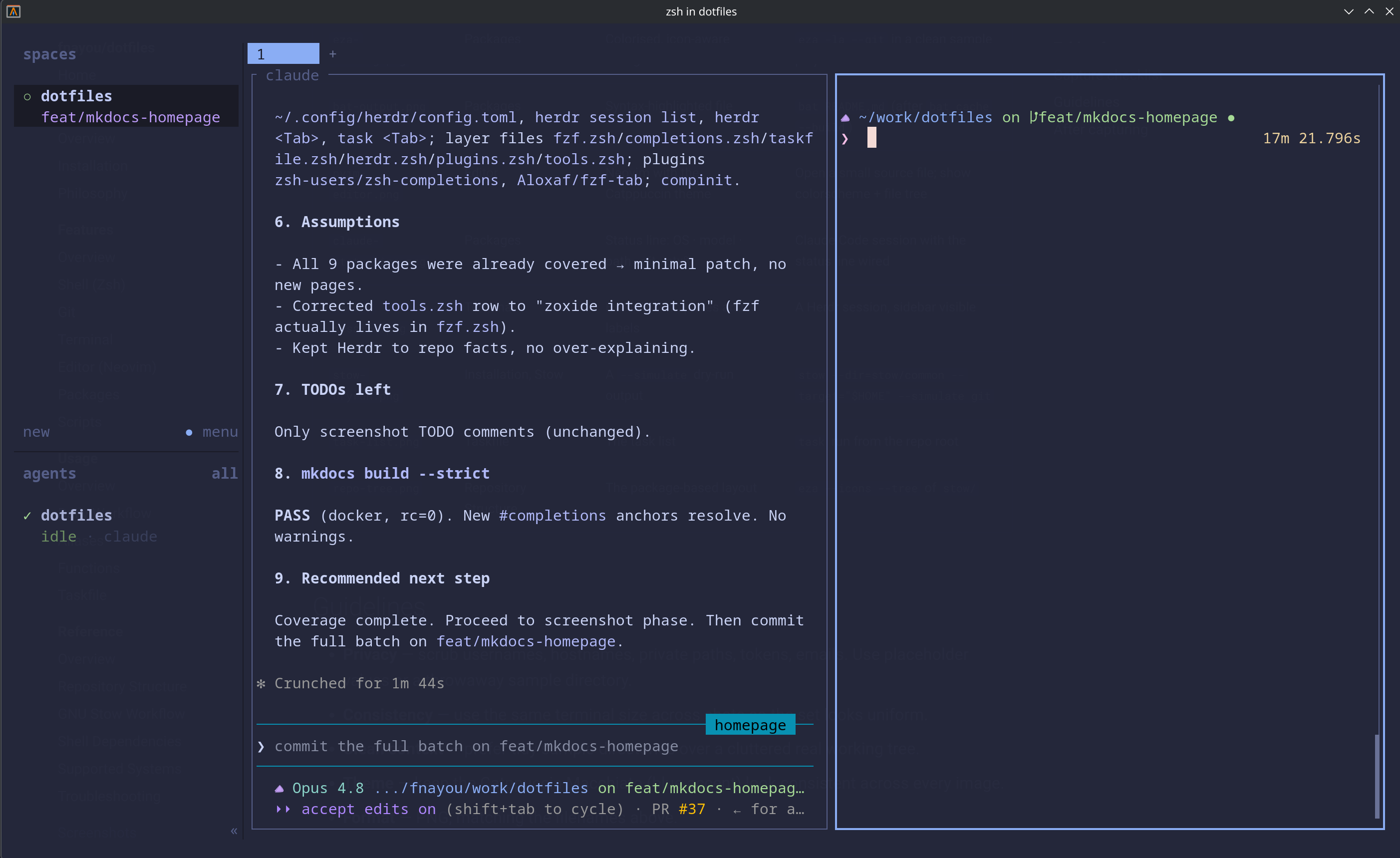 Herdr session layout for agent-oriented terminal work.
Only config.toml is managed
Herdr also keeps session state and workspace data under ~/.config/herdr/. The package manages
only config.toml. Never remove the whole ~/.config/herdr/ directory — if there's an
existing config.toml, back up and remove just that one file before stowing.
Dry-run, then apply (requires --no-folding):
stow --dir=stow/common --target="$HOME" --no-folding --simulate herdr
⚠️ MANUAL STEP — review dry-run output before running
stow --dir=stow/common --target="$HOME" --no-folding herdr
Related
- Shell (Zsh) — the prompt and shell that run inside the terminal.
- GNU Stow Workflow · Installation